
Shala announcements
Tell everyone in the shala about a change, all at once.
Send one
Section titled “Send one”- Open the shala and tap 📣 Announce. In the bot this button opens the form in the app.
- Write the text, up to 1000 characters.
- If you like, pin it for a week or a month.
- Tap Send and confirm.
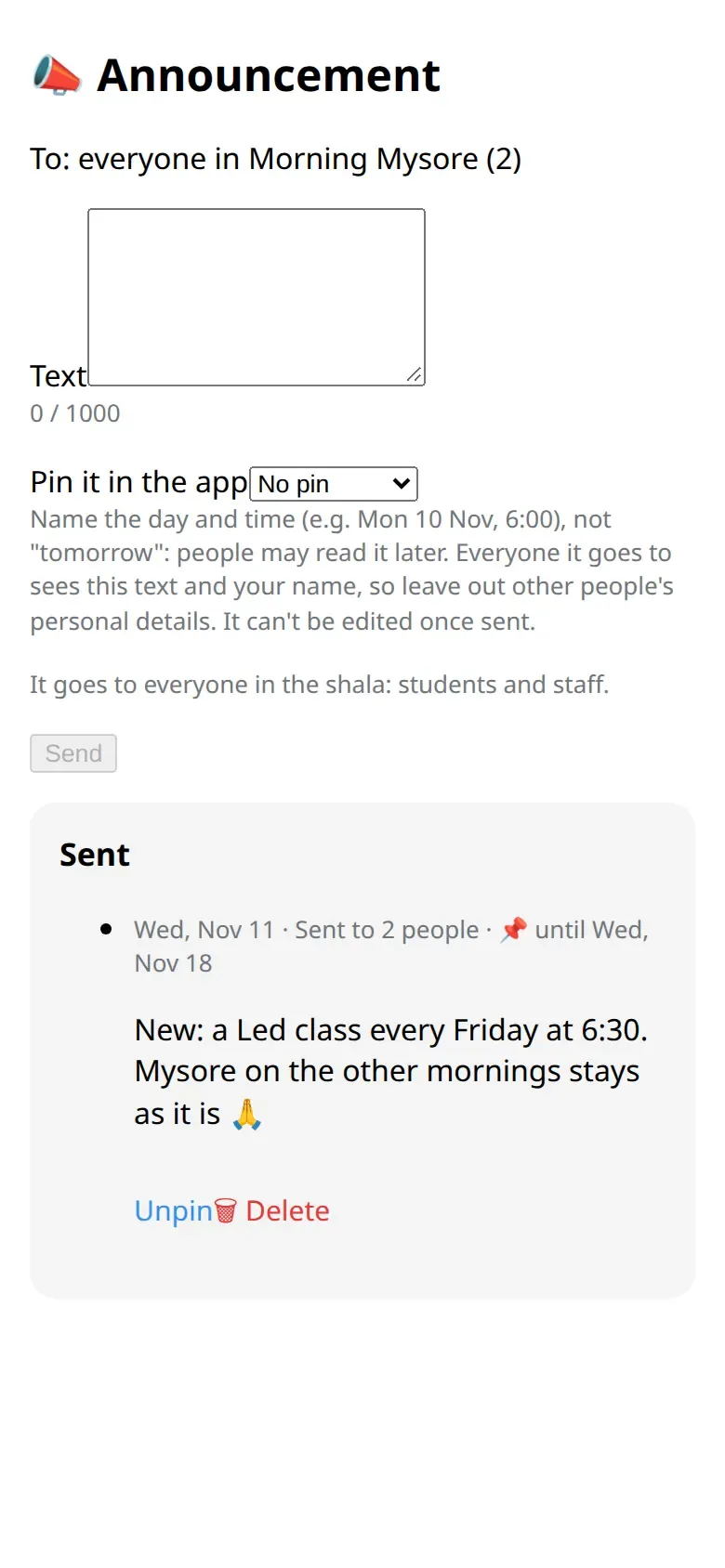
It goes to everyone in the shala, students and the team, as a message from the bot with the shala’s name and yours.
Who can send
Section titled “Who can send”The owner, managers, teachers and the front desk. Assistants can’t.
Pin, unpin, delete
Section titled “Pin, unpin, delete”- A pinned announcement shows on the shala card and at the top of people’s announcements in the app.
- You can delete or unpin your own announcement. The owner and managers can do that with anyone’s.
- Deleting takes it out of the app and stops it from going to anyone who hasn’t received it yet. Messages already delivered stay in people’s chats.
Good to know
Section titled “Good to know”- A shala can send up to 3 announcements in 24 hours, counting everyone who writes for it.
- It arrives within about 10 minutes. During someone’s quiet hours it arrives without a sound.
- Members can mute the shala’s announcements and still read them in the app. Nobody is told.
- An announcement can’t be edited. For a typo, delete it and send it again.
- Name the day and the time, not “tomorrow”.