
Your data: privacy, export, delete
What is private, what a teacher sees, how to download everything you logged, and how to delete your account.
Private by default
Section titled “Private by default”- Your log is yours. Without a teacher on your list, nobody else sees any of it.
- Diary notes and 🌸 days are stored encrypted.
- Check-ins, diary notes, badges and the reason for a rest day are never shown to anyone.
- A teacher you add sees your name, practice or rest from the day you add them, your practice length and your last asana, and a short note if nothing shows for a while. A shala sees your name and your class attendance marks.
More detail: My teacher and Privacy in plain words.
Download your data
Section titled “Download your data”- Send
/settingsand tap 📦 My data. - Tap ⬇️ Download my data.
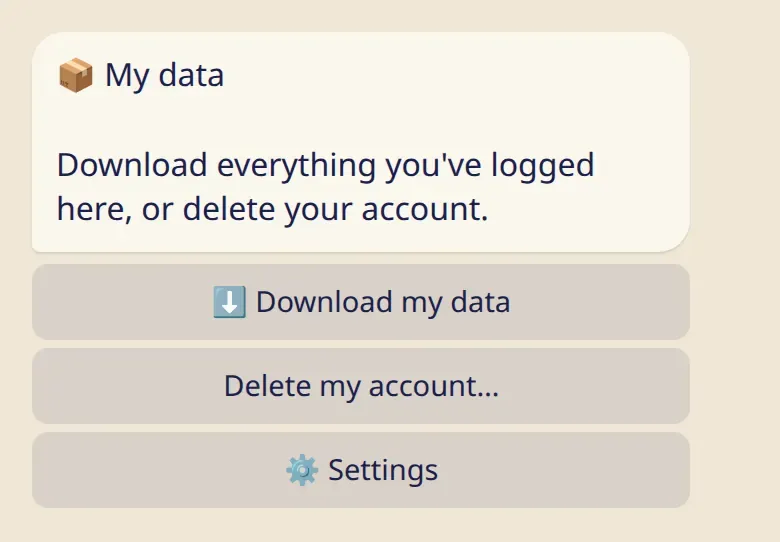
The bot sends one ZIP file to your chat. Inside are a data.json for apps and CSV files for spreadsheets. It contains your private entries too, so once you have saved it, you may want to delete it from the chat.
Delete your account
Section titled “Delete your account”On the same screen, tap Delete my account… and confirm.
- Everything is deleted right away: days, practices, check-ins, diary notes, your asanas, teacher and student lists, settings.
- It can’t be undone. Download your data first if you want to keep it.
- Copies in backups disappear within 30 days.
- Messages in your Telegram chat stay until you clear the chat.
- If you own a shala, it is deleted for everyone in it. Their own logs stay.
If you write to the bot again later, it starts fresh.