
Create a shala and invite your team
Set up your shala in a few minutes and invite the other teachers and helpers.
Create your shala
Section titled “Create your shala”- In the app, open ⚙️ Settings → 👥 Teachers and students and tap 🏛 Create a shala.
- Fill in Name and City. The city sets the shala’s time zone and its moon days. For a shala with no room, tick 🌐 Online classes only.
- Under My roles in the shala, tick Teacher if you teach there yourself.
- Tap Create.
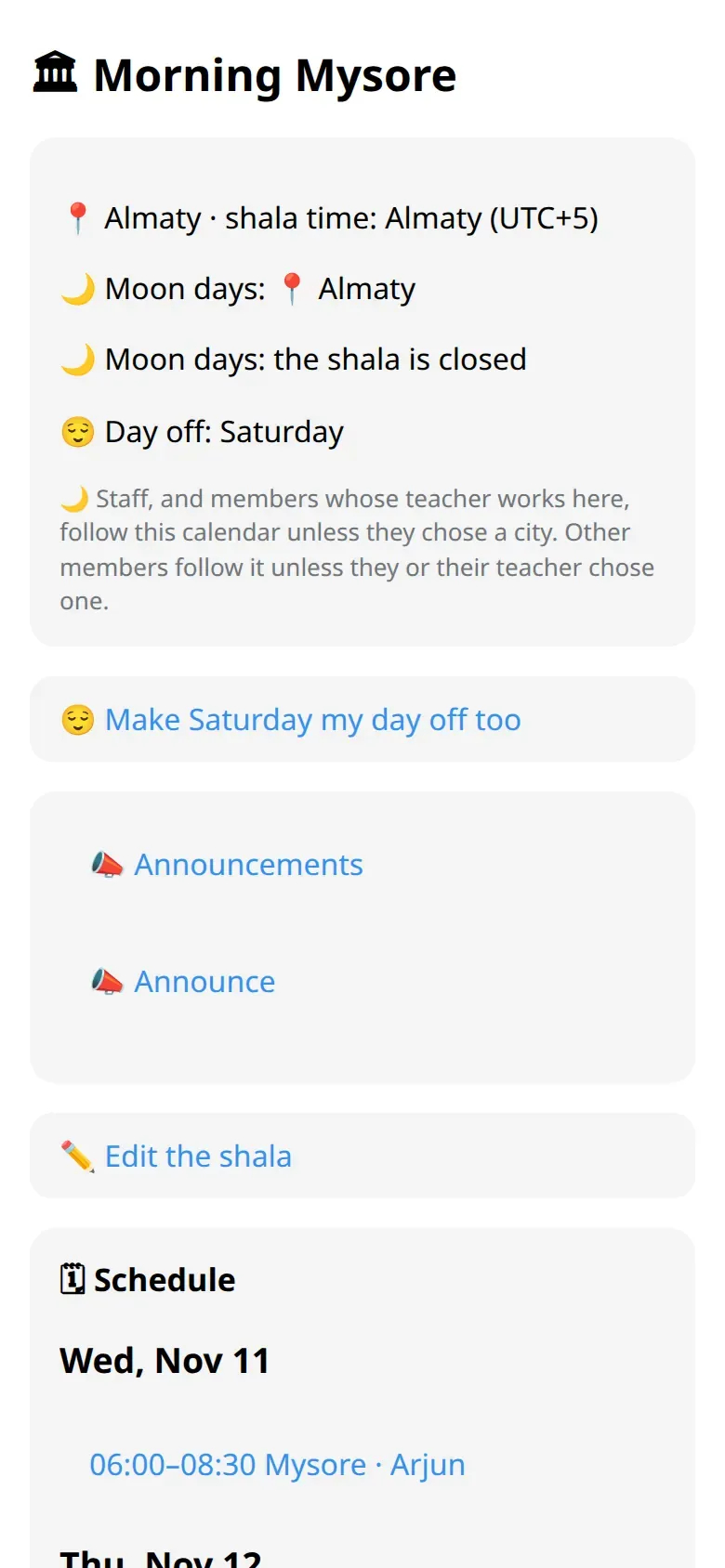
The shala card
Section titled “The shala card”In the bot, send /teachers and tap the shala’s name.
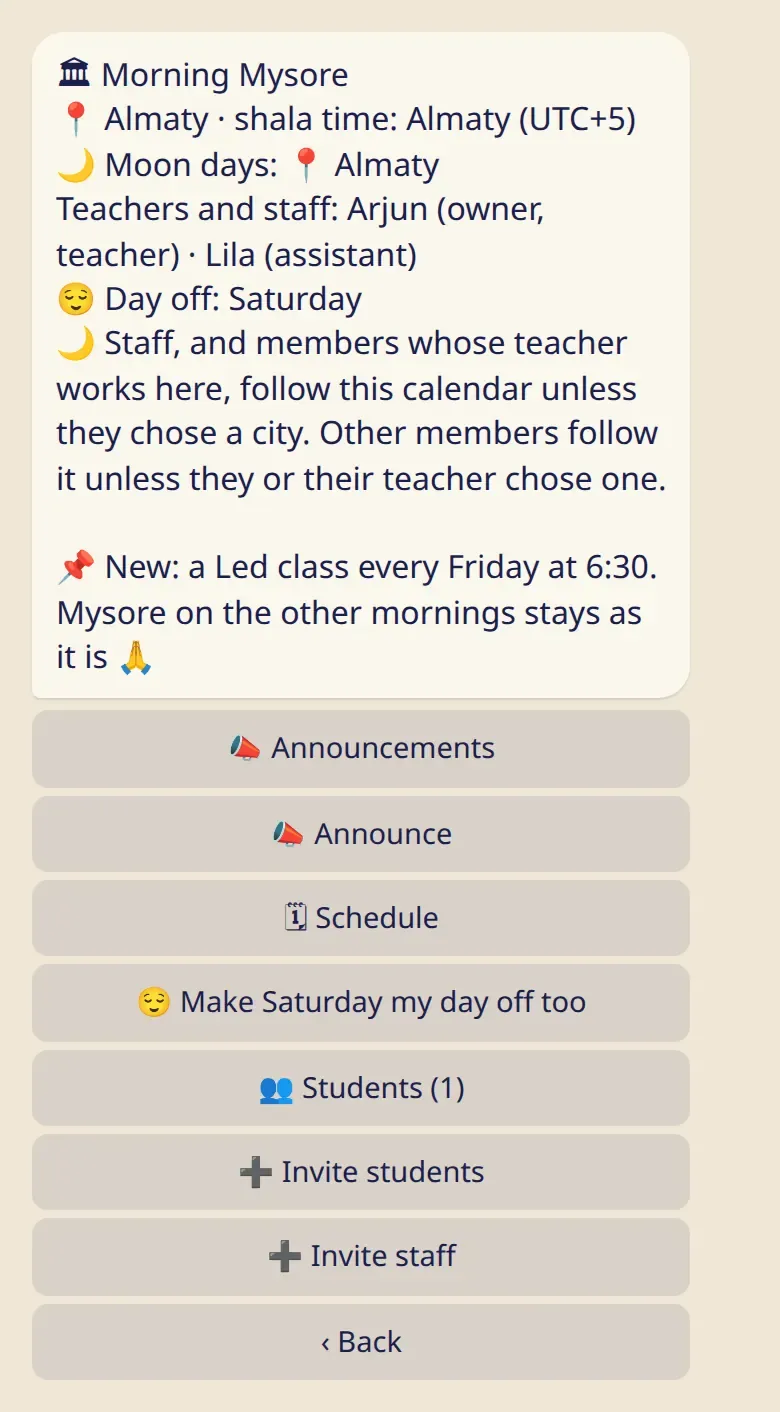
The card shows the place and the shala’s time, the city for moon days, the team, the day off and a pinned announcement if there is one.
Invite your team
Section titled “Invite your team”- On the card, tap ➕ Invite staff.
- Choose a role.
- Send the link to that person.
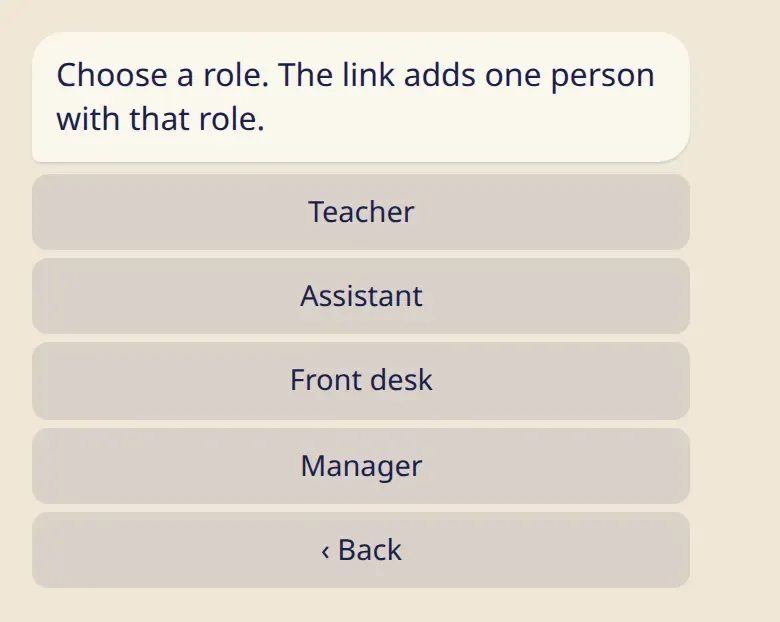
This link adds one person, works once and lasts 7 days. Before confirming, the person sees what joining means. You get a message when they join.
| Role | What they can do |
|---|---|
| Owner | Everything. Only the owner can make managers or delete the shala. |
| Manager | Edit the shala, invite and remove staff (other managers excepted), remove a student, make a new student link, remove any announcement, and everything a teacher can do. |
| Teacher | Classes, closures and swaps, announcements, attendance. |
| Front desk | The same as a teacher, and can remove a student from the shala. |
| Assistant | Attendance. |
Everyone on the team sees the students’ names, can show the student link and can mark attendance. One person can have several roles. The owner or a manager changes them by tapping the person on the shala’s screen in the app.
Invite students
Section titled “Invite students”Tap ➕ Invite students for a link and a QR code. This link is for everyone and doesn’t expire. Each student confirms for themselves: see My shala.
The team sees students’ names and nothing from their logs. To see a student’s practice, a teacher shares their own link: see Invite your students.
Moon days and the day off
Section titled “Moon days and the day off”The owner or a manager sets the moon-day city, what happens on moon days and the day off under ✏️ Edit the shala: see Classes and the week.
Good to know
Section titled “Good to know”- You can own up to 3 shalas. A shala can have up to 30 people on the team and 1000 students.
- Anyone on the team can leave at any time, except the owner. The owner can only delete the shala.
- Deleting a shala removes it for everyone in it and can’t be undone. Everyone’s own logs stay.
- Nobody gets a message when they are removed or when the shala is deleted.